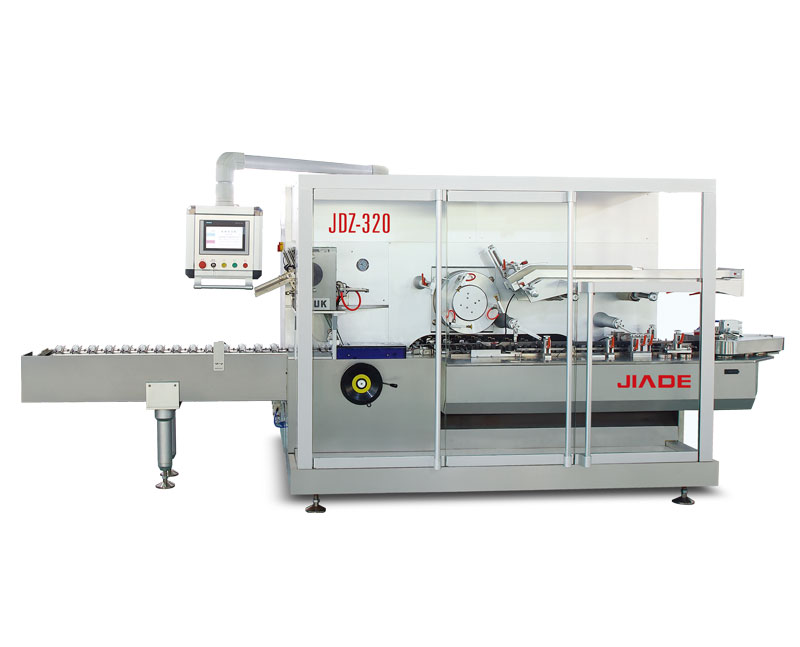

How to Change Format Parts on an Auto Cartoning Machine Fast
A production supervisor recently described a scene that plays out in packaging facilities every day: “We need to switch from a 50mm carton to a 75mm carton. The changeover should take 20 minutes. Instead, it takes over an hour. Someone is looking for the right change parts. Someone else can’t find the correct size guide rails. The machine sits idle while the team works, but not efficiently.” Changing format parts on an automatic cartoning machine is one of the most frequent and time-consuming tasks in flexible packaging operations. Yet many facilities treat each changeover as a unique event rather than a repeatable, optimizable process.
This guide provides a structured approach to changing format parts quickly and consistently—whether you have a modern tool-free machine or an older model that requires manual adjustments.
Understanding What “Format Parts” Actually Means
Before diving into the process, it helps to understand exactly which components are considered “format parts” on an automatic cartoning machine. These are the components that must be adjusted, repositioned, or replaced when you change to a different carton or product size.
| Component Group | Specific Parts | What Changes with Format |
|---|---|---|
| Carton magazine | Side guides, carton gate, suction cups, backstop | Carton width, length, and stack height |
| Carton transport | Chain guide rails, carrier fingers, transport chain | Carton width and height |
| Folding system | Folding rails, pre-folder guides, tucker blades | Carton width, height, and flap configuration |
| Product infeed | Infeed guide rails, product pusher, loading bucket | Product width, length, and shape |
| Leaflet system | Leaflet magazine, folding rollers (if applicable) | Leaflet size (if changing) |
| Closing station | Glue nozzle position, compression rail, tucker mechanism | Carton flap position and seal type |
The critical insight: Not every format change requires adjusting all of these components. A change that keeps the same carton width but changes only carton height requires far fewer adjustments than a change that alters both dimensions.
A 2020 benchmarking study by the Association for Packaging and Processing Technologies (PMMI) found that facilities with documented format part changeover procedures completed changes 47% faster than those without. The study also noted that 35% of changeover time was spent searching for parts and tools—not performing the actual adjustments.
The Two Types of Format Part Changes
Different approaches work for different types of format changes. Understand which type you are performing.
Type A: Same Carton Family, Minor Dimension Change
-
Example: Carton width changes from 50mm to 55mm; height and depth unchanged
-
Components to adjust: Magazine side guides, chain guide rails, folding rails (minor)
-
Tools needed: Often none on modern machines; one or two wrenches on older machines
-
Expected time: 5–15 minutes
Type B: Complete Format Change (Different Carton Family)
-
Example: Switching from small square cartons for blister packs to tall rectangular cartons for bottles
-
Components to adjust: Most or all of the component groups listed above
-
Tools needed: Varies by machine design; modern servo machines may still be tool-free
-
Expected time: 20–45 minutes
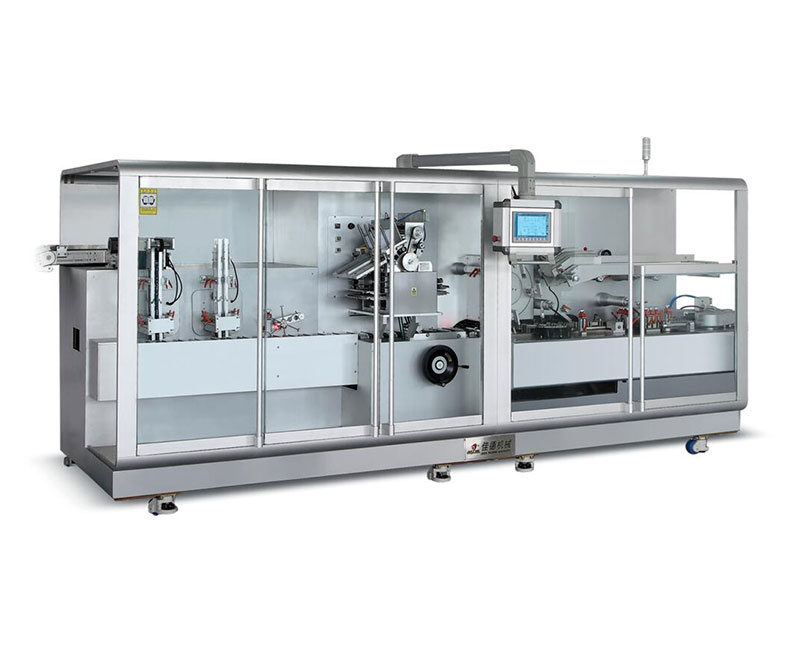
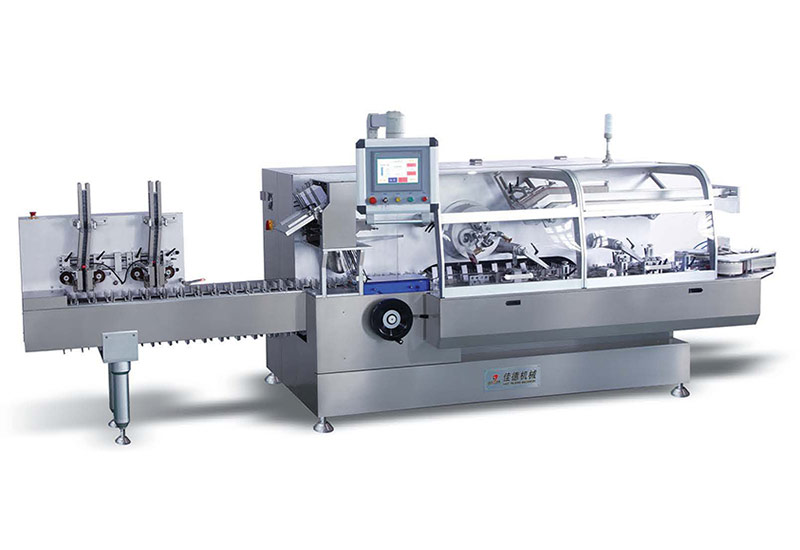
For facilities that frequently perform Type B changes, investing in automatic cartoning machines with tool-free changeover features can dramatically reduce time regardless of change complexity.
The Seven-Step Fast Changeover Process
This process assumes you have a complete set of format parts for each product family and that the parts are organized and labeled. If you are missing either of these prerequisites, stop here and address those first.
Step 1: Prepare Before the Machine Stops (External Setup)
The most efficient changeovers begin before the line stops moving. Use the final minutes of the current batch to complete all tasks that do not require the machine to be idle.
| Task | Can Be Done While Running? |
|---|---|
| Retrieve next batch’s format parts from storage | Yes |
| Stage tools and gauges at the machine | Yes |
| Review changeover checklist for next format | Yes |
| Clean parts that will be used (if needed) | Yes |
| Warm up glue system (if applicable) | Yes |
The user benefit: By completing external setup while the machine is still running, you effectively remove 20–30% of the changeover time from the downtime clock.
Step 2: Shut Down and Remove Current Format Parts
Stop the machine at the end of the batch. Remove any remaining cartons, products, and leaflets. Then remove the format parts for the completed batch.
-
Work systematically from infeed to discharge (or follow your standardized sequence)
-
Place removed parts directly into a labeled storage tray or cart
-
Do not set parts down on workbenches or the floor—this is how parts get lost or damaged
Step 3: Clean the Machine
Before installing the next format’s parts, clean the areas where parts will mount:
-
Guide rail mounting surfaces
-
Magazine adjustment slots
-
Sensor brackets
-
Glue nozzle area (if applicable)
Residual dust or debris can prevent new parts from seating correctly, leading to alignment issues and jams later.
Step 4: Install Next Format’s Parts in Sequence
Follow a consistent sequence every time. The recommended sequence for a horizontal cartoner is:
-
Carton magazine – set side guides, backstop, and gate for new carton size
-
Transport chain and guide rails – adjust width and height
-
Folding rails (pre-fold section) – position for new carton size
-
Product infeed guides – adjust for new product dimensions
-
Product pusher or loading bucket – replace or reposition
-
Closing station – adjust folding rails, glue nozzle, compression section
-
Discharge – verify rails are set correctly
For integrated blister and cartoning lines, the blister section format change should be coordinated with the cartoner changeover. Ideally, both sections are changed simultaneously by different team members.
Step 5: Perform Initial Position Settings
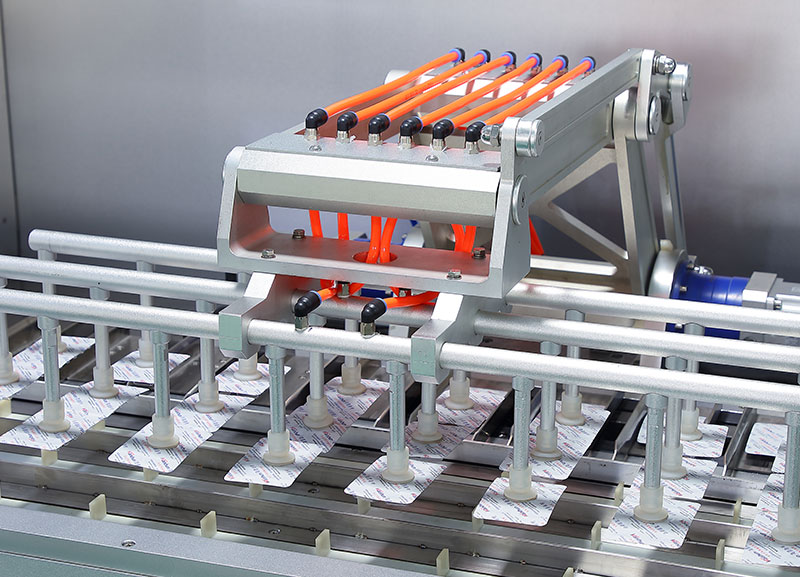
Use reference marks, digital position indicators, or gauge blocks to set each component to its starting position. If your machine has saved recipes (servo-driven models), recall the recipe for the new format. The machine will automatically position servo-controlled components.
For mechanical machines, use documented settings from your changeover log.
Step 6: Verify with Test Cartons (No Product)
Before running product, manually cycle 5–10 empty cartons through the machine at low speed. Verify:
-
Cartons erect properly
-
Transport moves smoothly without binding
-
Flaps fold correctly at each station
-
Glue pattern is correct (if applicable)
Adjust as needed.
Step 7: Verify with Product at Low Speed
Run the machine at 20–30% of rated speed with product for 20–30 cartons. Inspect every carton for:
-
Correct product position inside carton
-
No product damage
-
Proper flap folding and sealing
-
Correct coding (if applicable)
Only after this verification should you ramp up to production speed.
The Tool-Free Advantage: How Modern Cartoners Speed Changeovers
The seven-step process above is dramatically faster on modern servo-driven automatic cartoners designed for tool-free changeover.
| Changeover Task | Traditional Mechanical Cartoner | Modern Servo Tool-Free Cartoner |
|---|---|---|
| Adjusting magazine guides | Loosen bolts (wrench), slide, retighten, measure | Release locking lever, slide to stop, lock |
| Setting transport chain rails | Multiple bolts, trial and error | Central handwheel or HMI input |
| Timing product pusher | Manual cam adjustment, trial cycles | Enter product length in HMI |
| Saving settings for next time | Written log only | Digital recipe stored, recallable |
| Total changeover time (Type B) | 45–90 minutes | 15–30 minutes |
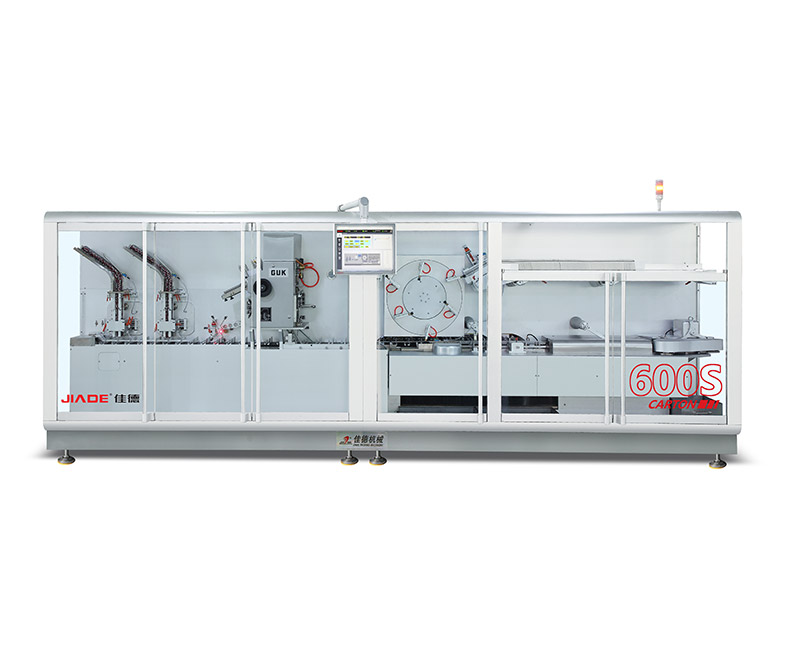
To understand how tool-free adjustment is implemented in actual equipment, you can explore the continuous and full-servo automatic cartoning machine designs that prioritize fast changeover.
Organizing Your Format Parts for Speed
Even the fastest changeover process fails if you cannot find the correct parts. Format part organization is a prerequisite for speed.
Best Practices for Format Part Storage
| Practice | Why It Matters |
|---|---|
| Dedicated storage cart or shadow board for each product family | Eliminates searching; visual confirmation that all parts are present |
| Label every part with the format it belongs to | Prevents incorrect part installation |
| Color-code parts by product family | Faster visual identification |
| Keep a master list of all format parts and their locations | Enables new operators to find parts without training |
| Inspect and clean parts immediately after removal, not before next use | Reduces setup time for the next changeover |
A Real-World Example: A contract packaging facility reduced average changeover time from 55 minutes to 22 minutes simply by organizing format parts on a rolling cart with labeled shadow-board cutouts. The cart was wheeled to the machine at the start of each changeover. Operators no longer walked back and forth to a storage room. No new machine. No new training. Just better organization.
The Changeover Log: Your Most Underutilized Tool
Facilities that change formats quickly consistently maintain a changeover log. This is not a complex digital system—a spiral notebook works.
What to Record for Each Format Change
| Field | Example |
|---|---|
| Date and shift | 2025-03-15, 2nd shift |
| From format (carton size/product) | 50mm carton, blister pack A |
| To format (carton size/product) | 75mm carton, blister pack B |
| Actual changeover time | 28 minutes |
| Tools used | None (tool-free machine) |
| Issues encountered | Magazine side guide needed adjustment after first test |
| Who performed changeover | M. Chen |
How the Log Helps You Go Faster
-
Identifies which format pairs are consistently difficult (suggests need for better parts or training)
-
Tracks improvement over time (creates accountability)
-
Serves as training material for new operators
-
Provides data for vendor discussions about machine limitations
For facilities running monoblock configurations where blister and cartoning sections must be changed together, the changeover log should track both sections simultaneously. A mismatch in changeover time between sections creates idle time.